How can we help with your device?
Enter the device ID printed on the label (or scan its QR code) to see its status, setup guide and support options.
The ID is on the product label and on the device screen. UONO IDs look like HX-PANEL- followed by six characters.
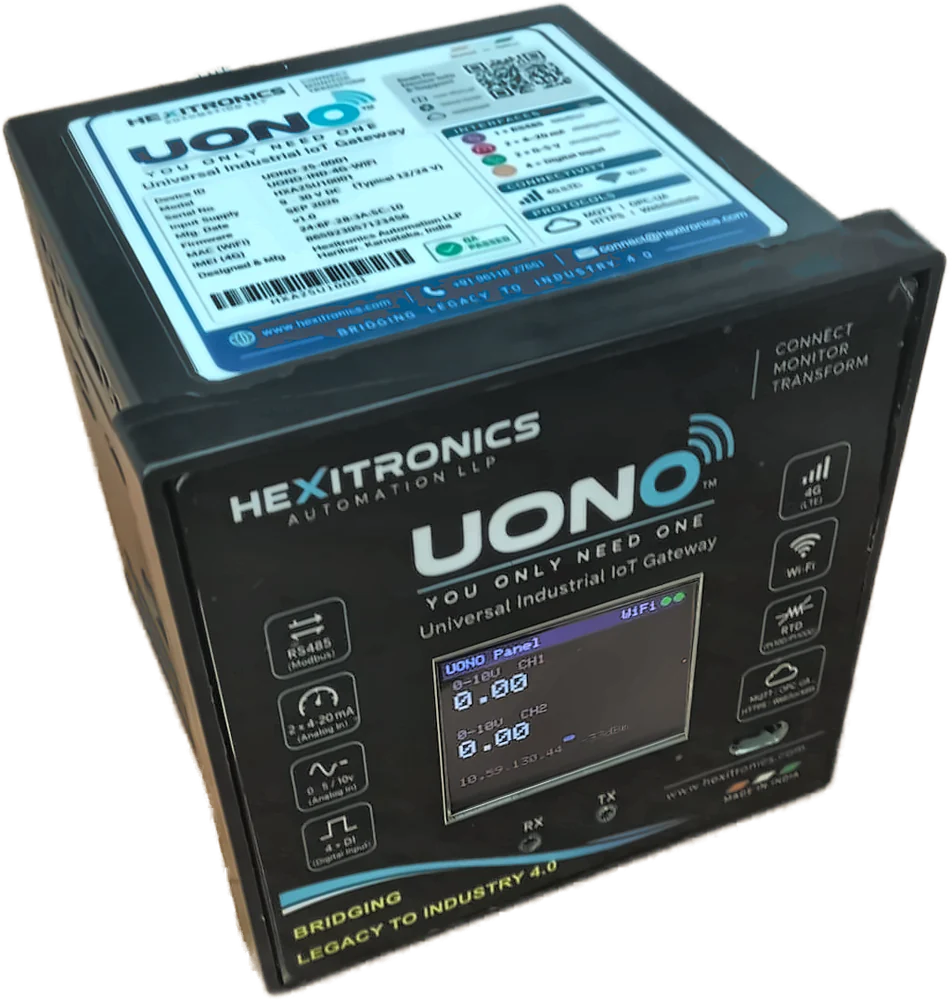
Choose your product
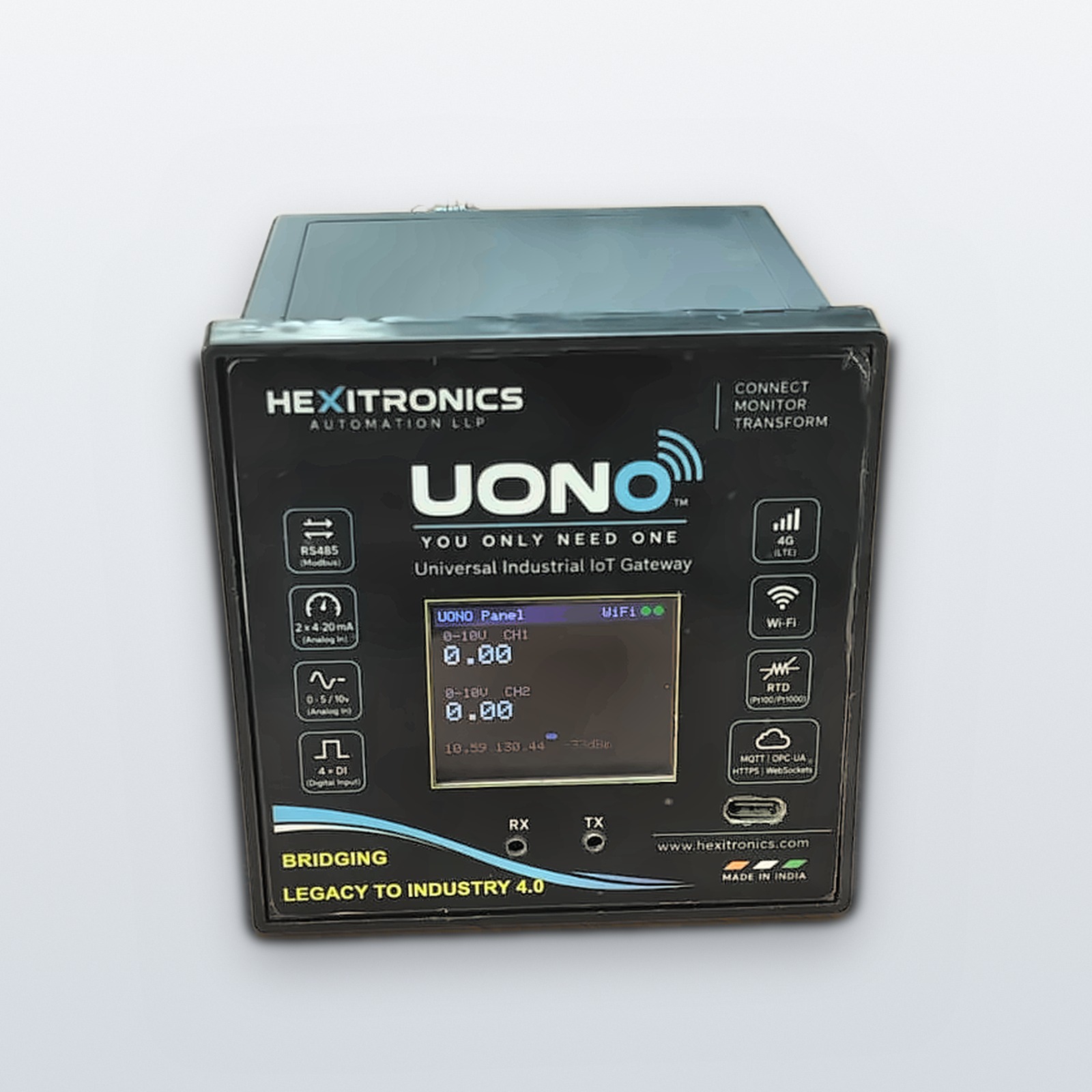
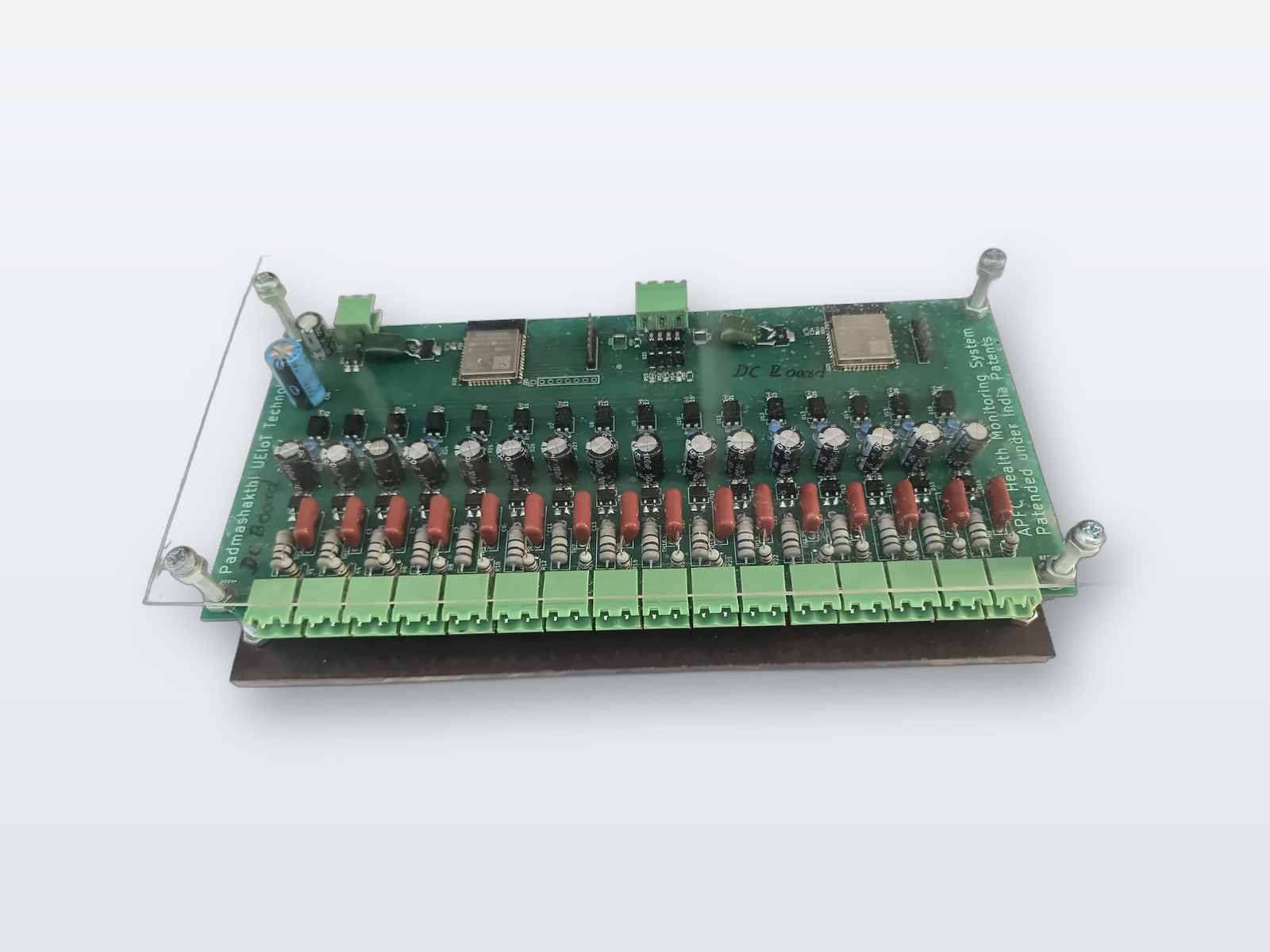
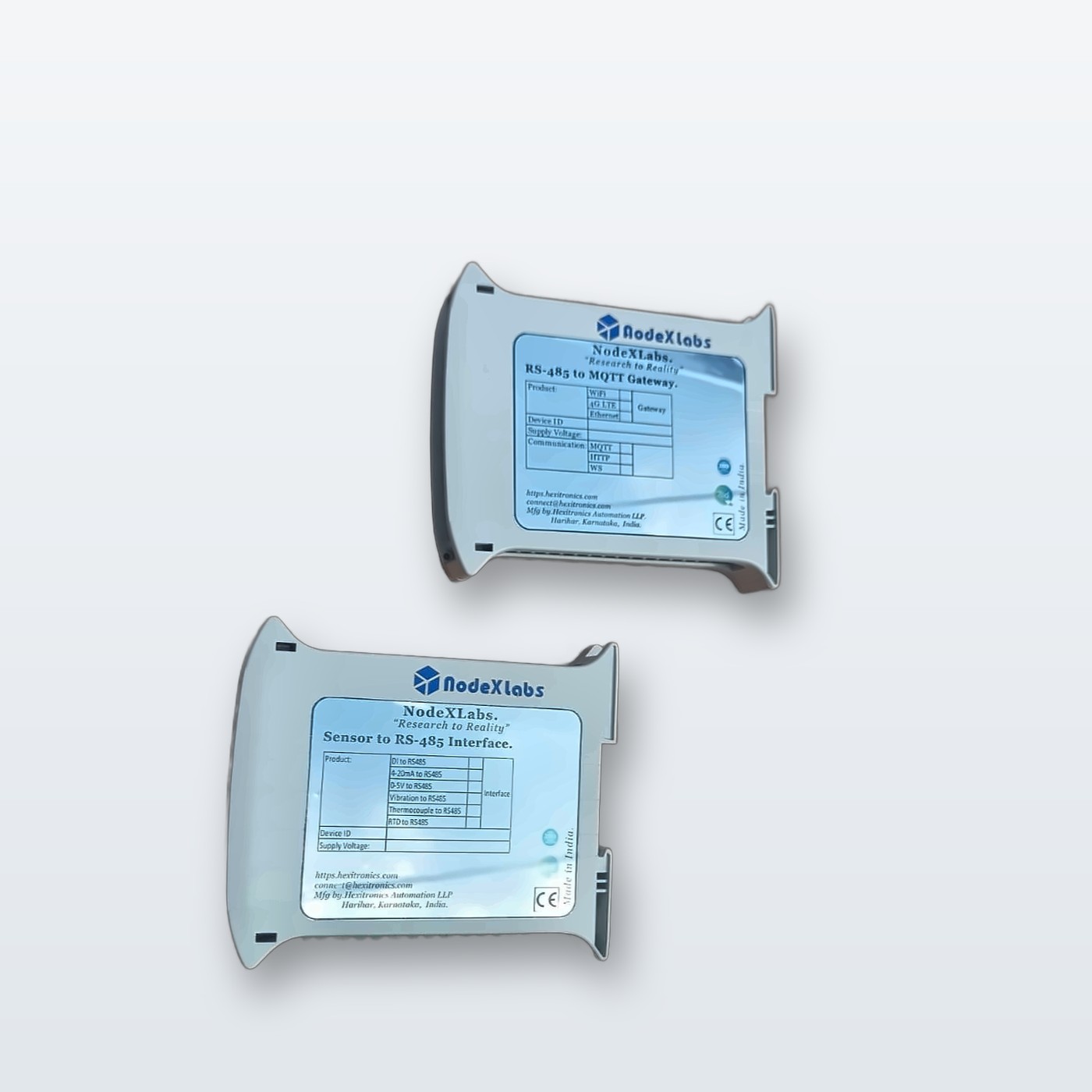
Quick answers
How do I open the UONO setup page?
Connect your phone or laptop to the WiFi network HX-SETUP-xxxxxx (password hexitronics) and open 192.168.4.1. The hotspot appears on first start-up, when the device has no network for a while, or when you hold the setup button for 5 seconds. Full guide
My device shows offline in UONO Cloud
Check power, then the network: WiFi name and password, or 4G SIM data and APN. UONO switches to 4G by itself if WiFi is lost. Troubleshooting steps
A Modbus meter does not answer
Check the slave ID, baud rate and parity against the meter’s settings, and swap the A and B wires if needed. Modbus steps
I don’t have a UONO Cloud login
Logins are created by Hexitronics for each customer. Request access, or explore the live demos without a login.
How are firmware updates delivered?
Over the air: devices connected to the internet receive updates from Hexitronics without a site visit.
Still stuck? Talk to an engineer
Raise a request with your device ID and we’ll reply within one working day, or call us now.